-
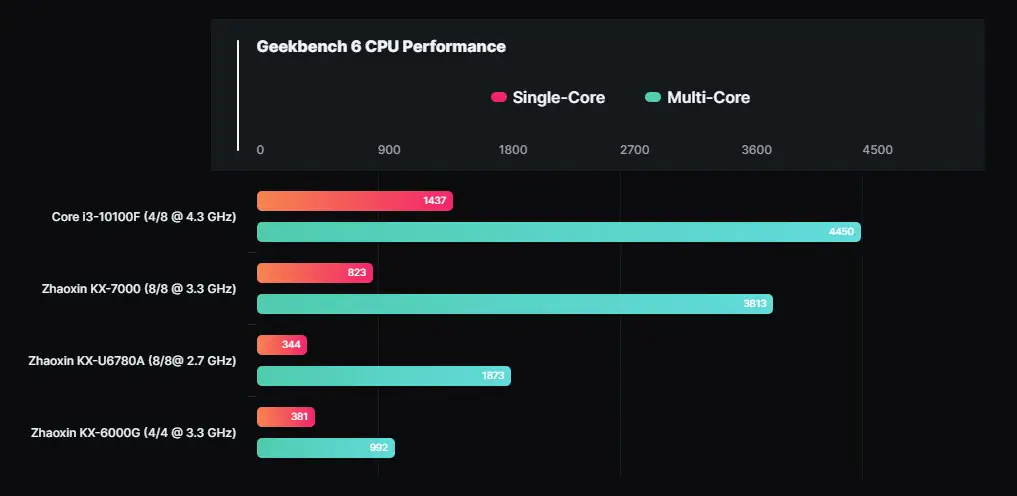
申威系列处理器 国产 SW-64 指令集, 目前第三代还是28nm工艺, 2023年12月top500 注 Sunway TaihuLight - Sunway MPP, Sunway SW26010 260C 1.45GHz, Sunway, NRCPC National Supercomputing Center in Wuxi China 10,649,600 93.01 125.44 15,371 注 神威·太湖之光 (英語:Sunway TaihuLight)是由中國国家并行计算机工程技术研究中心研制的超級计算机,2016年6月20日在LINPACK效能測試中以 93 PFLOPS 的測試結果超越同為中國組建的天河二 …
阅读更多 -

从MySQL转投到PostgreSQL已经有5年了,去年开始用到逻辑复制功能, 当时从一台主数据库,通过Wireguard的网络,复制数据到从数据库。 一年的使用很平稳,现在需要增加一台从数据库,所以需要重新梳理一下逻辑复制的实现。 当我使用原来的从数据库的备份,作为新的从数据库时,发现无法正常复制数据,因此,进行了一面的实验,发现了一些问题,这里记录一下。 目前的架构 主数据库有replication_slot mysub, 有mypub,mypub2两个发布 1\c mando 2select * from pg_replication_slots; 3 slot_name | plugin | slot_type | …
阅读更多 -

昨天,文杰在一个项目中,想在一个ImageButton的右上角,增加一个红点,就像手机的App在收到新消息后,显示一个红点那样,然而花了一些时间,并没有找到一个合适的方法,ChatGPT3.5给出的方法,总不能正确的显示: 今天文杰试了一下Kimi,发现Kimi的方法,可以正确的显示红点,在修改设置红点的大小,位置后,完美达到想要的效果: 1. Kimi的方法与直接效果 文杰的提示: 1i write kotlin for android, i want add a red dot on the top right of the ImageButton, i want using Badge Kimi给文杰的部分代码如下: 第一步, …
阅读更多 -

注 文章有剧透 被妻子拉去看这场电影,看到韩明被工作与生活搞得焦头烂额,我悄悄问她: 你是不是想让我看看什么叫“中年男人不如狗!” 剧情 李茂娟是一个强势的女人,利用哥哥的职务权利,压制老公,我一度以为这是女权电影,直到后来的反转:韩明与李茂娟发生激烈争吵。 整部电影有三个老实人被欺的情节,做为对社会有足够的理解的中年人,文杰一开始就在找电影的不合理情节:老百姓利用信息坑检察官的钱;韩明儿子被打,他选择不报警,因为立不了案;检察官吕玲玲为了正义,竭力保护受害人。 文杰是反感这种政治正确的电影,就像是出了一个正面宣传的考题:明明植入了茅台酒送礼物的广告,最后还没有送成。公安局长打包票不会立案,最后居然立案了,显然,弱化权力机关的存在 …
阅读更多 -
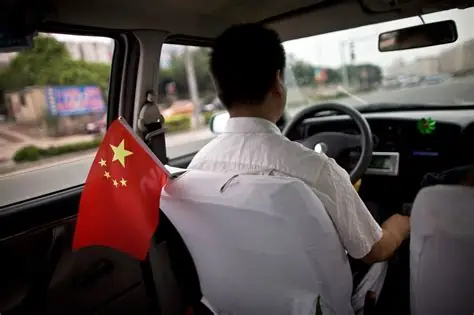
一个老板的故事 清晨5点多,赶最早一班高铁,天空下着小雨,打开后备厢时,司机也下车了,文杰带的小拖箱有些放不下,最后斜着放下去后,里面带框的画却滑了出来,但只要用车门挡一下,就可以关上后备厢的,我准备上车,司机思考片刻,索性将画框拿了出来另放在后备厢内 "别碰坏了" 司机说. 车开得比较慢, "可以走市内" 他说 "不会碰到早高峰?" 我问 "不会, 还很早呢!" 我在手机上打车,等了30多秒,没有匹配到车,换了一个平台,马上有车了,切换到原来的平台,发现也打到了,只好回到新的平台,将车取消.就这样遇到了这位司机 汽车驶过湿滑的路面,发出滋嗞的声音, …
阅读更多 -
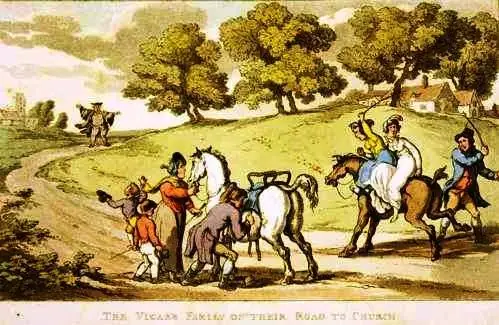
The temporal concerns of our family were chiefly committed to my wife’s management, as to the spiritual I took them entirely under my own direction. The profits of my living, which amounted to but thirty-five pounds a year, I made over to the orphans and widows of the clergy of our diocese; for …
阅读更多 -
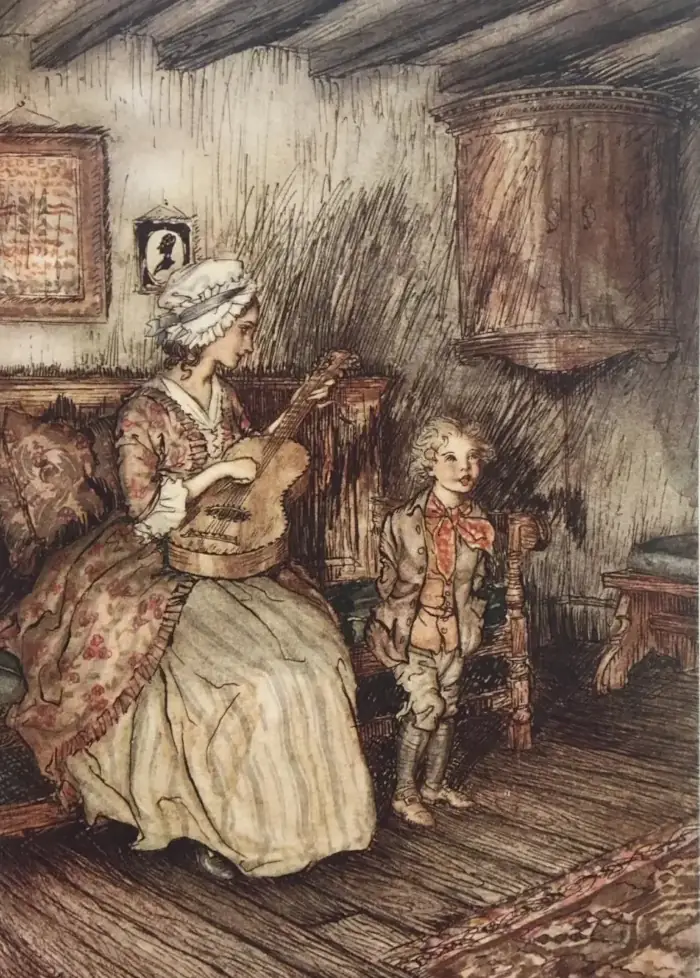
版权 注 本站利用AI与人工接合的方式翻译成中文 这本电子书是Standard Ebooks的成果,是许多志愿者为之努力的成果,也是众多文学爱好者和Project Gutenberg以及互联网档案馆Internet Archive的劳动成果。 这本电子书是根据Project Gutenberg的转录和互联网档案馆的数字扫描制作的。 我们相信这本电子书的源文本和插图已进入美国的公共领域,即它们在美国没有版权限制。然而,它们可能仍然受到其他国家/地区的版权限制,因此位于美国以外的用户应当检查本地法律,在使用此电子书之前。本电子书的创作者和贡献者将其贡献放入全球公共领域,遵循CC0 1.0通用公共领域专利保护协议。有关完整许可信息, …
阅读更多 -
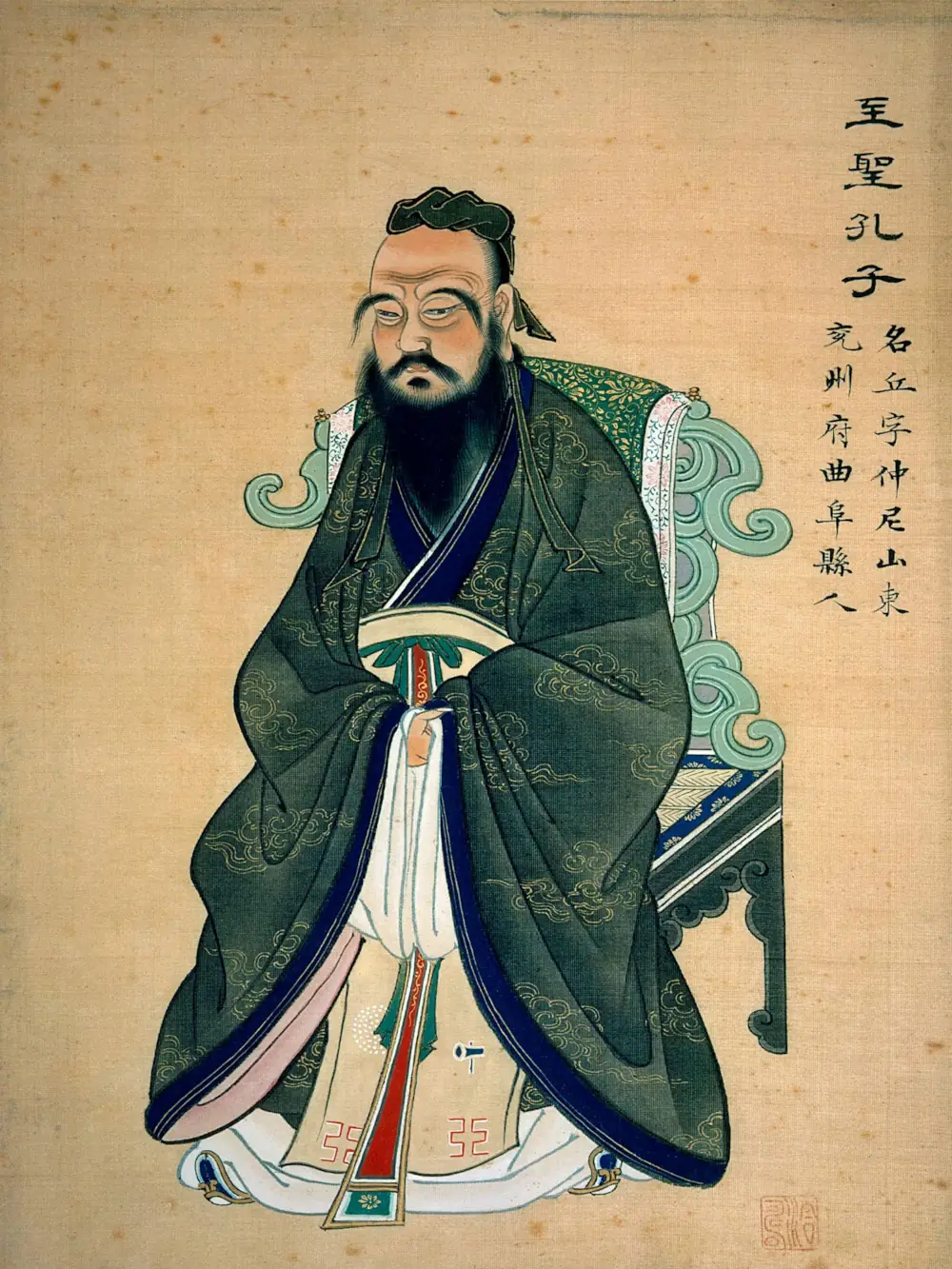
时代背景 中国古代,夏朝四百多年,商朝六百多年,到周朝,前后加起来八百多年。所以,像儒家、道家这样的思想出现是在西周结束之后到东周,东周又分为春秋时代跟战国时代。它是在春秋时代末期,所以有资料记载的历史已经过了一千多年。这一千多年的中国的历史,中国的国家的组织之所以能够存在跟发展,就是上述我们所说的两套思想。 儒家、道家让我们知道怎么组织一个群体、一个国家。另外,在《易经》里面,让我们在变化生命里面保持一种不断创新的可能。 那么这样的思想汇聚在一起,可以说在周公的里面体现出来。那么春秋时代末期最大的特色是什么?天子失德,礼坏乐崩,天下大乱,然后出现了虚无主义。 所谓的虚无主义,我把它从两方面来看。第一方面是在价值上出现虚无主义,就是 …
阅读更多 -
行人安全 vs 乘员安全 赛博皮卡将车身用不锈钢做得很坚硬,突然突破了日系汽车的宣传: 我们将车前保险杠做得很软,是为了保护行人,以免受到伤害. 好了,所有的小车侧门都最脆弱,赛博皮卡也突破了这一传统,车门一样结实防弹. 做为消费者,首先是要保护自己的安全,其次才考虑路人,这是第一基本点;其次,如果从保护行人的角度出发,可以在汽车前面再加一层橡胶防护,这不但在遇到行人的时候,可以保护好行人,也可以在碰撞的时候,保护好车内乘员. 显然,日系车为了节约成本,才有保护行人受伤害的宣传;最近,丰田安全气囊存在潜在质量问题这事,本身就是为了节约成本. 如果安全气囊质量问题给消费者造成的受害,只需要赔1000万,但加强安全气囊的质量保证,需要1 …
阅读更多 -
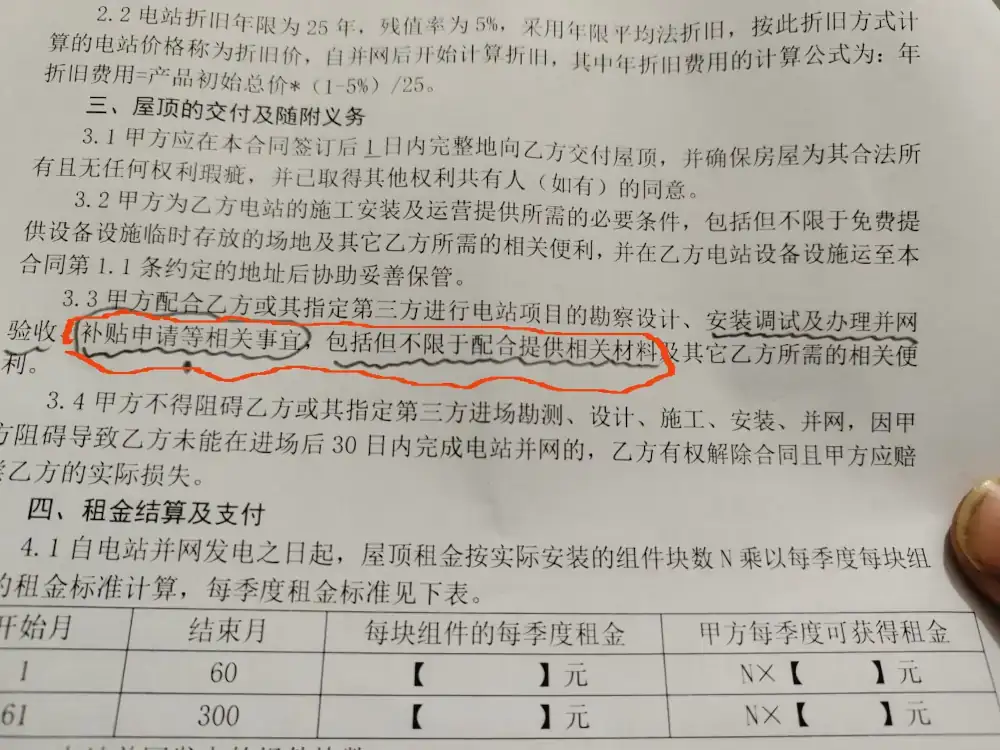
在一个风景秀丽的山村,小明被弟媳叫回家商量出租房屋安装光伏发电的事宜,小明看了两份协议,一份强调,绝对不需要小明贷款,就能安装光伏. 销售员信誓旦旦說全部是A公司提供资金。 小明留下了合同,需要研究一下,销售员同意了. 晚上,小明细心研究了合同的内容: 与B公司的合同主要内容: 关键一条是: 乙方所签订的合同下租凭方式为经营租赁,不属于贷款或融资情形,乙方不用贷款,也不用投资。 显然, 推广与安装的B公司是不会与出租屋顶方发生贷款事宜的, 与A公司的另一份合同 关键一条是: 甲方配合乙方或其指定第三方进行电站项目的勘察设计、安装调试及办理并网 验收、补贴申请等相关事宜,包括但不限于配合提供相关材料及其它乙方所需的相关便利。 那主要风 …
阅读更多